Author: Andy Williams
-
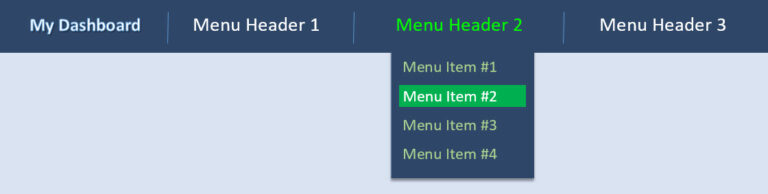
How to Add WordPress Menu Items Without Linking to a Page
Read more: How to Add WordPress Menu Items Without Linking to a PageA quick how-to Guide on how to add non-linking titles for Dropdown Menus in WordPress. Create neat menus for posts and pages to improve site navigation for your visitors.
-
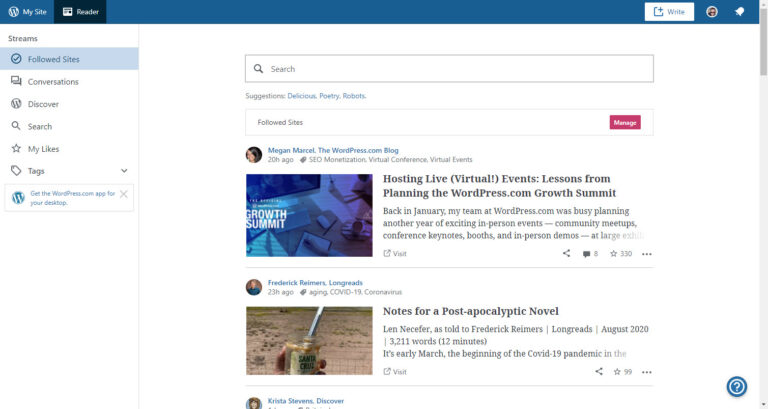
What Is WordPress.COM?
Read more: What Is WordPress.COM?Updated guide asks, what is WordPress.com—exactly, Wwhy is it so popular? What do WordPress offer bloggers, business owners, and eCommerce websites over other platforms?
-

What Is a SSL Certificate and Why You Need One?
Read more: What Is a SSL Certificate and Why You Need One?What is an SSL Certificate, and why do you and your website need one? This short piece looks at the types and uses for SSL certificates, their effect on trust and online business.
-
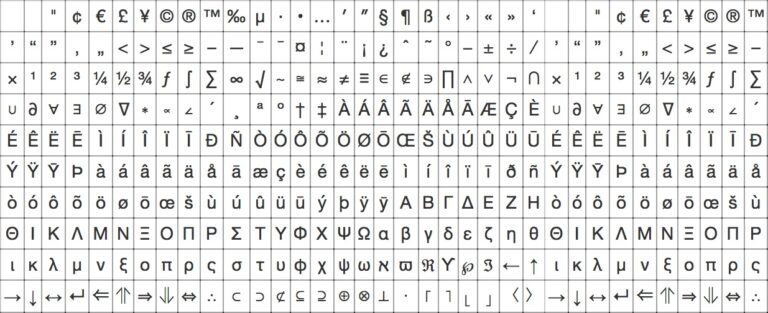
How to Include Special Characters in Posts for WordPress
Read more: How to Include Special Characters in Posts for WordPressA quick, no-nonsense tutorial on how to add special characters and symbols into WordPress posts and pages. You can use a Gutenberg block or HTML entity code. Here’s how it’s done.
-
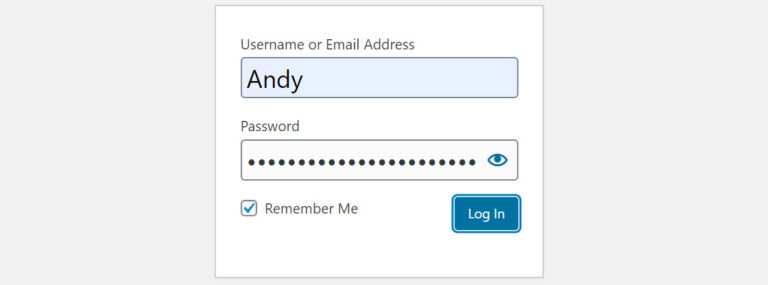
How to Find Your WordPress Login URL
Read more: How to Find Your WordPress Login URLA quick guide on how to find your WordPress login URL if you forget it. Also, how to save your WP login page so that you never lose it again.
-
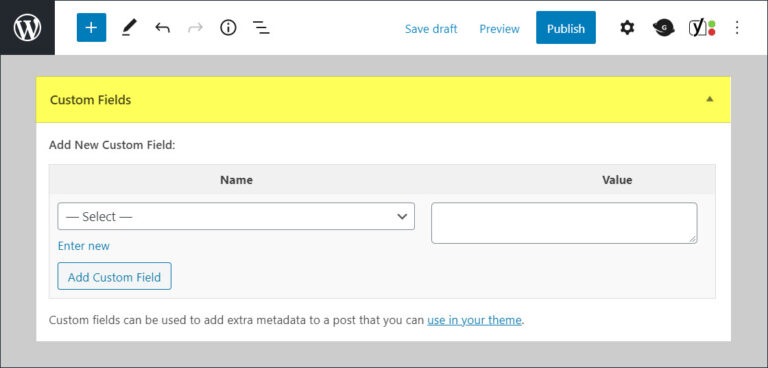
What Are Custom Fields in WordPress
Read more: What Are Custom Fields in WordPressWordPress custom data fields offer a simple way to add extra important information into blog posts and pages. This data field tutorial shows you how to add custom fields and explains why they’re so helpful
-
What Is Open Source?
Read more: What Is Open Source?An informative tutorial explores the question, what is source code, and why it matters to us all. Your WordPress.org software is open source, and the benefits of that have no limits but imagination.
-

What Happens When You Switch Your WordPress Theme
Read more: What Happens When You Switch Your WordPress ThemeA few things happen when you switch from one WordPress Theme to another. This tutorial looks at how to swap themes easily and with minimal disruption to your website or blog.
-

How to Change Your WordPress Username
Read more: How to Change Your WordPress UsernameIn this guide, you learn how to change your WP username. There are 3 ways to change WordPress usernames, and this tutorial walks you through each one in easy-to-follow steps.
-

How to Remove Sidebar from WordPress Themes
Read more: How to Remove Sidebar from WordPress ThemesLearn how to take control of your sidebars in WordPress. This guide shows how to remove sidebars in WordPress from WP theme settings, using a plugin, and permanent removal from the entire site.


