Author: Andy Williams
-

ChatGPT & MidJourney AI Prompt Engineering for Entrepreneurs
Read more: ChatGPT & MidJourney AI Prompt Engineering for EntrepreneursDevelop a more deliberate approach to prompting ChatGPT and other AI tools for business and creative work. The course covers specificity, context, follow-up questions and output formats, then applies those ideas to writing, images and website-related tasks.
-

Mastering NotebookLM – Organize, Analyze, and Learn with AI
Read more: Mastering NotebookLM – Organize, Analyze, and Learn with AITurn a collection of documents into a source-based research workspace with NotebookLM. The course combines organising sources, asking better questions and checking citations with practical outputs such as study materials, audio overviews and mind maps.
-

Professional WordPress Theme Development with ChatGPT
Read more: Professional WordPress Theme Development with ChatGPTFollow two practical projects: creating a new WordPress block theme and redesigning an existing website. The emphasis is on planning, directing ChatGPT, checking its work and packaging a usable theme rather than learning to write every file by hand.
-
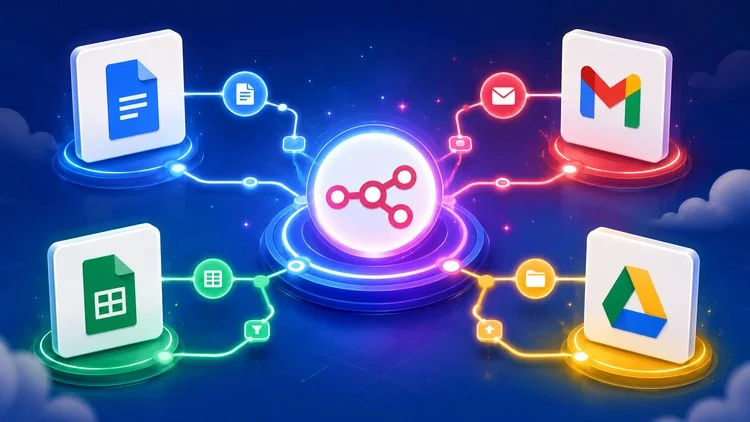
n8n for Beginners: Google Workspace Automation with AI
Read more: n8n for Beginners: Google Workspace Automation with AIBuild practical automations by connecting n8n with Google Workspace and AI. Lessons progress from setup and secure connections to workflows involving files, spreadsheets, documents and email, followed by projects for content and business tasks.
-

Build Professional WordPress Websites with ChatGPT
Read more: Build Professional WordPress Websites with ChatGPTBuild a WordPress website through a guided AI workflow, from the first project brief to a tested site. The course follows business and author examples, showing how to plan content, compare designs and direct ChatGPT while retaining control of decisions.
-

Install AI Locally – Chat, Image, Video & Cloner
Read more: Install AI Locally – Chat, Image, Video & ClonerExplore AI tools that run on your own computer, including chat, image generation, video and voice cloning. The course explains the privacy and subscription benefits alongside practical limits such as memory, hardware performance and setup complexity.
-

WordPress Full Site Editing with Gutenberg
Read more: WordPress Full Site Editing with GutenbergExplore WordPress’s block editor and Full Site Editing together. The course explains how individual content blocks relate to templates and theme structure, using a block-compatible theme as the starting point for practical customisation.
-

WordPress for Beginners – Master WordPress Quickly
Read more: WordPress for Beginners – Master WordPress QuicklyStart with a local WordPress installation and work towards building a responsive website. Lessons explain the dashboard, content, themes and plugins, then introduce the block editor and site-editing tools used to shape a working site.
-
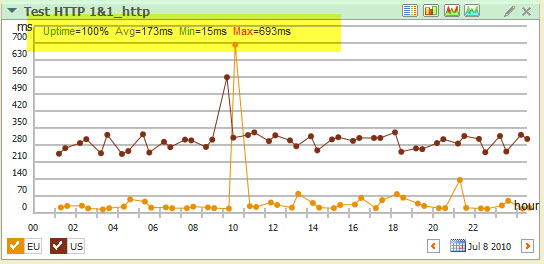
Recommended Web Hosting
Read more: Recommended Web HostingMy recommended domain registrar and web host, plus how to connect the two up so that your site is up quickly.
-

What Is cPanel | A Quick Tour for Beginners
Read more: What Is cPanel | A Quick Tour for BeginnersWhat is cPanel and why do new website owners need it? This quick guide explores the simple layout of this popular dashboard. It’s a must-read for novice webmasters everywhere.


