How to Create Your WordPress Homepage
What is a static front page? Why should business, portfolio, and non-profit site owners consider one? This tutorial shows how to create an impressive WordPress homepage.


What is a static front page? Why should business, portfolio, and non-profit site owners consider one? This tutorial shows how to create an impressive WordPress homepage.

Learn what a WordPress database is and why your blog or website needs one. This tutorial explains what the database host, tables, and SQL Queries are. Also, how to manage your WP data.

WordPress posts and pages can contain attachments. They include images, videos, podcasts, and various documents, etc. Used correctly, attachments enhance the visitor experience and improve SE rankings.
Quick tutorial shows you how to schedule pages and posts from within the WordPress Dashboard. Learn how drip-feeding content makes perfect sense for webmasters and site visitors.
My quick tutorial shows you how to easily find, install, and activate new plugins from your WordPress Dashboard. Also, how to access plugin settings and update to the latest versions.
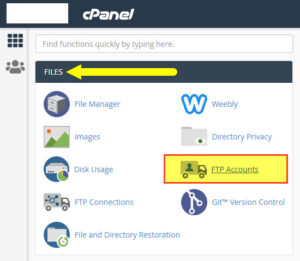
Some WordPress custom themes may be too big to upload from the WP Dashboard. Using an FTP client is an easy way to bypass file size restrictions and install larger templates.
Learn what a functions.php file is and what you can do with it. This how-to tutorial shows how to locate, edit, and save your functions PHP from the WordPress Dashboard.

Here’s how to find 100% free high-quality images and photos for websites and blogs. Download striking royalty free, copyleft, public domain, and other free media today.

Responsive WordPress themes respond to different browsers, operating systems, and device types. This guide explains why responsive templates are vital for today’s websites.

The floating WordPress (WP) Admin Bar gives fast access to Dashboard admin areas, including plugin screens. This guide shows you how to hide or customise the admin bar to suit personal needs.
Bestselling Course