Why You Should Always Use the Latest Version of WordPress
Learn why you should always use the latest version of WordPress and what might happen if you don’t. Also, why updated WordPress plugins, themes, and database backups matter so much

Learn why you should always use the latest version of WordPress and what might happen if you don’t. Also, why updated WordPress plugins, themes, and database backups matter so much

A quick how-to Guide on how to add non-linking titles for Dropdown Menus in WordPress. Create neat menus for posts and pages to improve site navigation for your visitors.
Updated guide asks, what is WordPress.com—exactly, Wwhy is it so popular? What do WordPress offer bloggers, business owners, and eCommerce websites over other platforms?

What is an SSL Certificate, and why do you and your website need one? This short piece looks at the types and uses for SSL certificates, their effect on trust and online business.

A quick, no-nonsense tutorial on how to add special characters and symbols into WordPress posts and pages. You can use a Gutenberg block or HTML entity code. Here’s how it’s done.

A quick guide on how to find your WordPress login URL if you forget it. Also, how to save your WP login page so that you never lose it again.

WordPress custom data fields offer a simple way to add extra important information into blog posts and pages. This data field tutorial shows you how to add custom fields and explains why they’re so helpful

Discover top WordPress plugins for creating a content calendar. From the user-friendly Editorial Calendar to the robust CoSchedule, find the perfect tool to streamline your blog’s workflow and keep your posts organized and on schedule.

An informative tutorial explores the question, what is source code, and why it matters to us all. Your WordPress.org software is open source, and the benefits of that have no limits but imagination.

A few things happen when you switch from one WordPress Theme to another. This tutorial looks at how to swap themes easily and with minimal disruption to your website or blog.
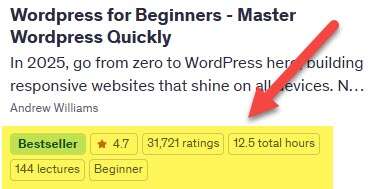
Bestselling Course