Author: Andy Williams
-

How to Create a Multilingual WordPress Site
Read more: How to Create a Multilingual WordPress SiteCreating multilingual WordPress websites is child’s play, thanks to WP plugins. This guide walks you through the setting up and use of TranslatePress Free and highlights some worthy alternatives.
-

Changing WordPress Password, even if you are locked out!
Read more: Changing WordPress Password, even if you are locked out!It’s possible to reset your WordPress user password, even if you are locked out and the reset link does not work.
-
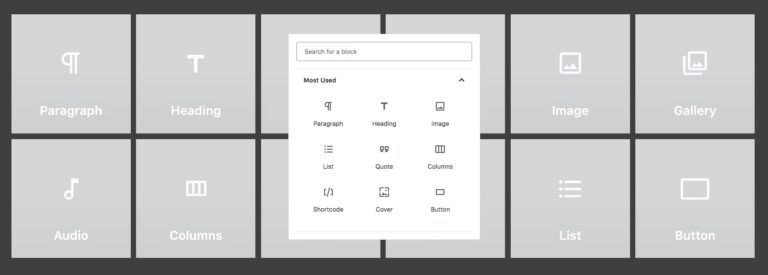
How to Create Reusable Blocks in the WordPress Gutenberg Editor
Read more: How to Create Reusable Blocks in the WordPress Gutenberg EditorLearn how to create reusable WordPress blocks in the Gutenberg Editor and all the benefits. This tutorial shows how to add, edit, manage, export, and import your reusable blocks.
-
How to Fix WordPress Not Sending My Emails Issue?
Read more: How to Fix WordPress Not Sending My Emails Issue?This no-nonsense tutorial shows how to fix WordPress when it fails to send your emails Issue. Most email failure is due to three resolvable causes, and I’ll walk you through each of them.
-

How to Create Your WordPress Image Gallery in Easy Steps
Read more: How to Create Your WordPress Image Gallery in Easy StepsLearn how to create a WordPress image gallery using the Guttenberg gallery block. It’s an attractive, convenient way to showcase your photos, and it enhances the visitor experience.
-
Creating a Jump Link with Gutenberg
Read more: Creating a Jump Link with GutenbergA jump link is a hyperlink that will jump to a location on a page on your site. It can be on the same page as the link, or another page. Jump links can be a great tool for creating a table of contents at the top of a long article giving your visitors the…
-
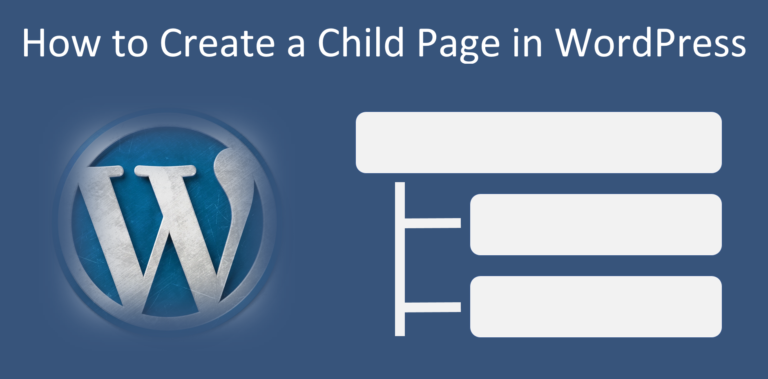
Learn How to Create Child Pages in WordPress
Read more: Learn How to Create Child Pages in WordPressA 5-minute guide on how to create a WordPress child page and link it to any Parent Page in WordPress. The Parent/Child page structure benefits SEO and enhances user experience.
-
Learn How to Check Grammar and Spelling Mistakes in WordPress
Read more: Learn How to Check Grammar and Spelling Mistakes in WordPressHere’s how to check for grammar and spelling errors in your WordPress editor. The Grammarly free browser extension is the perfect writing assistant that’s fast, easy to use, and highly accurate.
-
How to Add and Customise Google Maps in WordPress
Read more: How to Add and Customise Google Maps in WordPressThere are at least 8 reasons why WordPress site owners should consider Google maps. This guide shows you 3 ways to add and customise Google Maps to enhance your blog or website.
-

How to Change the WordPress Admin Email
Read more: How to Change the WordPress Admin EmailThis guide looks at how to change your WordPress Administrator email using one of three methods. It also explains why free, throwaway emails are not recommended for WordPress blogs and websites.


