Author: Andy Williams
-
How to Prevent WordPress Generating 3 Different Image Sizes
Read more: How to Prevent WordPress Generating 3 Different Image SizesLearn how to prevent your WordPress blog or website from Generating three different image sizes with every graphics upload. Read this simple guide to save valuable disk space.
-

How to Embed Real Tweets in WordPress Blog Posts
Read more: How to Embed Real Tweets in WordPress Blog PostsLearn these 2-minute methods for embedding real tweets into your WordPress post or page. This guide shows how to embed tweets using the Guttenberg visual editor and WordPress code editor.
-

WordPress.com vs WordPress.org
Read more: WordPress.com vs WordPress.orgThe results of our WordPress.com vs WordPress.org guide may surprise you. The pros and cons of WordPress free and for-profit versions help new users make easy decisions.
-
How to Fix WordPress Posts Returning 404 Errors
Read more: How to Fix WordPress Posts Returning 404 ErrorsLearn how to fix Common WordPress Posts returning 404 errors. The causes are well-known, and the 404 fixes are straightforward following the easy steps outlined in this guide.
-

How to Deactivate All Your WP Plugins Without Dashboard Access
Read more: How to Deactivate All Your WP Plugins Without Dashboard AccessThere are various ways to deactivate all WP plugins if you can’t access your WordPress Dashboard. This easy step-by-step guide explains how to do this from cPanel’s File Manager and phpMyAdmin.
-

How to Create a Quiz in WordPress
Read more: How to Create a Quiz in WordPressThis guide explains the potential huge benefits of interactive quizzes in WordPress websites and blogs. It also walks you through the setting up of your first quiz from the WP Dashboard.
-

How to Add a Cookies Popup in WordPress
Read more: How to Add a Cookies Popup in WordPressLearn how to add a cookies popup in WordPress in less than two minutes. Plus, how cookies work, what data they gather, and why all websites need a cookie consent plugin
-
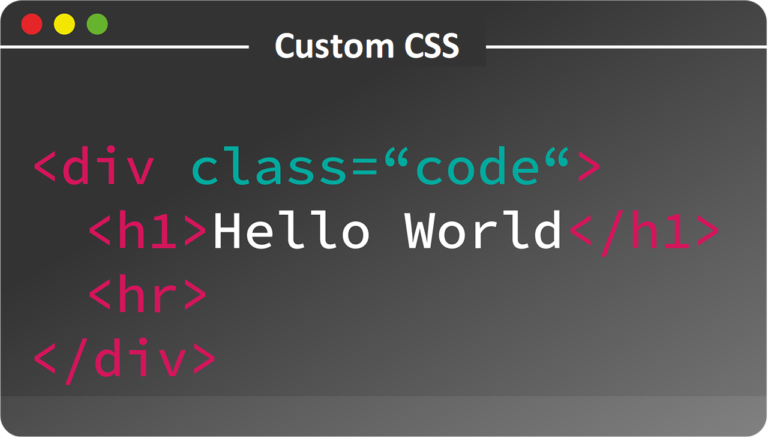
How to Add Custom CSS Code into Your WP Website
Read more: How to Add Custom CSS Code into Your WP WebsiteAdding custom CSS to a WordPress website is easier than you might think. This new guide shows how to add custom CSS via the theme customizer and by using a plugin. But which is the best approach?
-
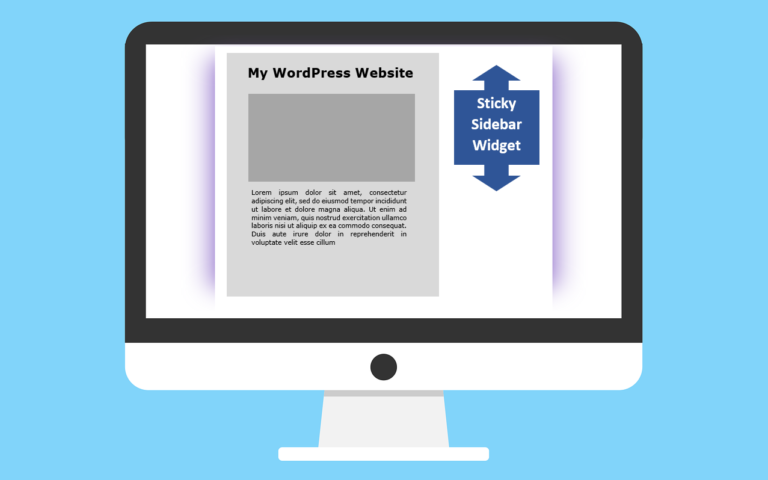
How to Create a Simple Sticky Floating Sidebar Widget in WordPress
Read more: How to Create a Simple Sticky Floating Sidebar Widget in WordPressThis tutorial shows you how to create smooth, sticky floating sidebars in WordPress in under 3 minutes. Keep eyeballs on important content, ads, and promotions using floating sidebar widgets.
-

How to Display Code on Your WordPress Blog or Website
Read more: How to Display Code on Your WordPress Blog or WebsiteThe fast and easy way to display any code in any language on your WordPress blog or website. Your options are the WP Guttenberg built-in code block or using this popular free plugin.


