Practical ideas and tutorials
Articles
Browse the latest articles across WordPress, self-publishing, software, and AI tools.

What is a Responsive Theme in WordPress?
Responsive WordPress themes respond to different browsers, operating systems, and device types. This guide explains why responsive templates are vital for today’s websites.
Read article
How to Find High-Quality Royalty Free Images for Your WordPress Blog Posts
Here’s how to find 100% free high-quality images and photos for websites and blogs. Download striking royalty free, copyleft, public domain, and other free media today.
Read article
What Is the WordPress Admin Bar and What Can It Do?
The floating WordPress (WP) Admin Bar gives fast access to Dashboard admin areas, including plugin screens. This guide shows you how to hide or customise the admin bar to suit personal needs.
Read article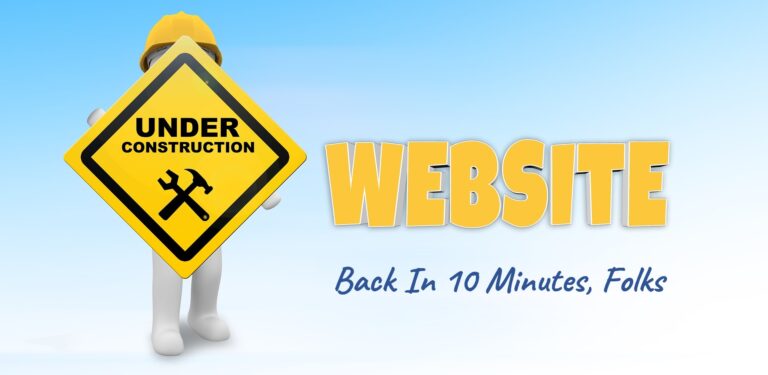
How to Put Your WordPress Site in Maintenance Mode
Here are 3 ways to put any WordPress website into Maintenance without losing visitors. These attractive page notifications are easy to apply, visually pleasing, and practical.
Read article
What Is WordPress and Why Should You Use It?
What is WordPress, and why is this content management system CMS so popular for beginners and professionals?
Read article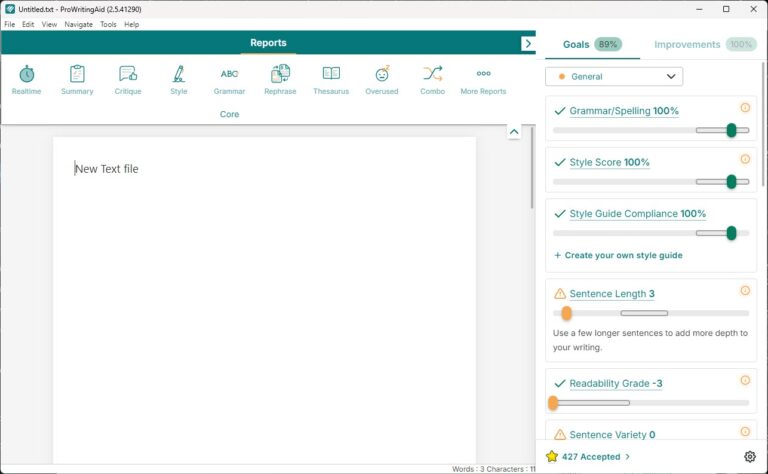
ProWritingAid Review: Is It the Undisputed Champion or Does Grammarly Still Reign?
Is ProWritingAid the ultimate writing assistant for authors and serious wordsmiths—or does Grammarly still hold the crown? In this in-depth review, we put ProWritingAid under the microscope to evaluate its unique strengths, from detailed style and pacing reports to its integration with Scrivener and lifetime pricing option. Whether you're polishing a novel, fine-tuning an academic paper, or refining blog content, this guide explores how ProWritingAid stacks up against Grammarly, AutoCrit, and more. Discover if it lives up to its reputation as the grammar guru, style editor, and writing mentor all in one—and if it deserves a place in your writing toolkit.
Read article
Elementor’s AI Site Planner
Elementor's AI Site Planner is here to revolutionize the way you plan and build websites! This powerful AI-driven tool streamlines the entire process, from creating project briefs to generating sitemaps and wireframes. Whether you're a designer, developer, or business owner, discover how this innovative planner saves time and enhances creativity, making website creation faster and more efficient than ever.
Read article
How to Stop Search Engines from Crawling a WordPress Site
It’s possible to stop the search engines giants like Google, Yahoo, and Bing, from Crawling your WordPress Site. This tutorial looks at how to block search engine spiders and the reasons to do it.
Read article
Squarespace vs WordPress Comparison for Webmasters
Squarespace vs WordPress, which one is right for you? Building a website today is easy, but not all website builders are equal. This review compares their similarities, but more importantly, what sets them apart.
Read article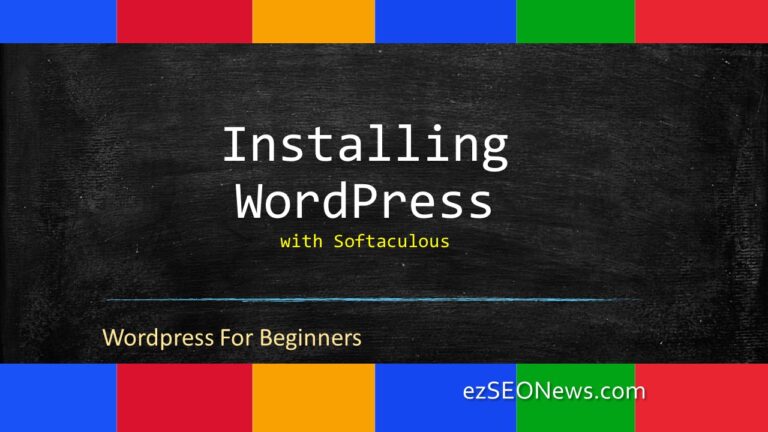
Installing WordPress on a cPanel Host
This video shows how easy it is to install WordPress using Softaculous, an automated WordPress installer found on most web hosts. Watch this video if you want to learn how to install WordPress on Bluehost.
Read article
Install WordPress on your own computer with XAMPP
This tutorial shows you how you can install WordPress on your own computer using XAMPP. XAMPP is free and available on PC, Linux and Mac.
Read article
How to Add a Smooth WordPress Slider to Your Website or Blog
This tutorial shows you how to create a simple, free, customisable novice-friendly WordPress slider. Its lightweight, visually pleasing slideshows are sure to encourage visitor interaction.
Read article
How to Install a WordPress Theme
A step-by-step guide on how to install, activate, and customise WordPress Free and Premium themes. Also, how to narrow down your search to find the best WordPress themes for your needs
Read article
How Do You Manage Revisions in WordPress
Managing revisions is something every WordPress content creator should know how to do. This guide explores the best ways to manage revisions to safeguard your precious work.
Read article
How to Embed a Video into WordPress Posts
A beginner’s guide on how to quickly embed videos anywhere on your WordPress blogs and static pages. Videos attract people to websites and add value to the visitor experience
Read article
How to Create a Table of Contents in WordPress without plugins?
How to quickly create a table of contents (TOC) for WordPress posts and pages without a plugin. TOC helps improve the user experience when navigating pages with lots of content.
Read article
The Difference Between Your Image Alt Text and the Image Title in WordPress
There’s a difference between your image alt text and the image title text in WordPress. Both are important, but one is essential as a web accessibility tool and for SEO.
Read article
Install WordPress on your Own Computer Using DesktopServer by ServerPress
This tutorial takes you through the steps to install WordPress son your own computer using DesktopServer by ServerPress.
Read article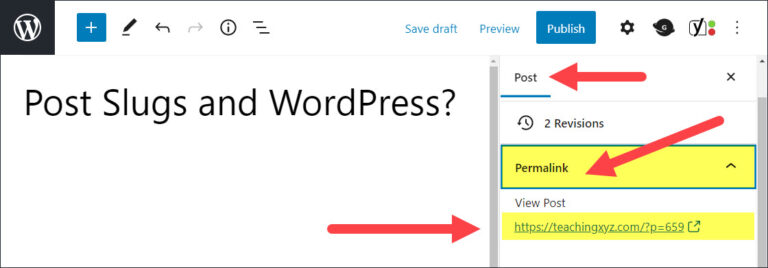
What Is the Post Slug in WordPress?
What is the post slug used in WordPress, and why use it? This guide looks at the best way to create user-friendly, SEO-optimized slugs to help your rankings and improve the visitor experience.
Read article
How to Scan Your WordPress Site for Potentially Malicious Code
Learn how to scan your WP blog or website for potentially malicious code? Bad actors love vulnerable WordPress sites. Make regular scans a part of your security maintenance routine.
Read article
How to Reset a WordPress Password from phpMyAdmin
This guide walks you through resetting any WordPress password from phpMyAdmin. It’s a quick and straightforward method that can get you back into your WP blog or website in minutes
Read article
Install WordPress on your Own Computer Using MAMP
This tutorial takes you through the steps to install WordPress son your own computer using MAMP.
Read article
What is the Best Blogging Platform?
It’s easy to choose the best blogging platform once you know what you need. This new guide reviews 7 favorite CMS and drag and drop website builders for 2020 and beyond.
Read article
Why You Should Always Use the Latest Version of WordPress
Learn why you should always use the latest version of WordPress and what might happen if you don’t. Also, why updated WordPress plugins, themes, and database backups matter so much
Read article

