Practical ideas and tutorials
Articles
Browse the latest articles across WordPress, self-publishing, software, and AI tools.

What Is Web Hosting Bandwidth and Why You Should Care?
What is web hosting bandwidth and what’s the catch with unlimited plans? Not all web hosting providers are equal. This article explains what it all means for websites and content creators.
Read article
What Are Subdomains?
What Are Subdomains? This must-read guide answers that question in plain English. It shows you how to create subdomains to organise your WordPress blog, website, or eCommerce store.
Read article
Why is WordPress Free? What Are the Hidden Costs?
So, why is WordPress free, and what are the hidden costs of this world-renowned open source software? This article answers all, and goes head to head with WordPress.ORG and WordPress.COM.
Read article
How and Why You Should Limit Login Attempts to Your WordPress Dashboard
There are good reasons to limit the number of login attempts to your WordPress Dashboard. This no-nonsense article shows how to protect against Brute Force attacks with a simple plugin.
Read article
What Are Cookies in WordPress Websites and Why They Matter
This article asks, what are cookies in WordPress blogs, websites, and online stores. How do HTTP cookies benefit site owners and visitors by tracking and storing personal data?
Read article
Learn How to Add and Use WordPress Widgets
A short tutorial on how to add and use widgets in WordPress Dashboard. Also, widgets vs plugins, how do they differ in the way they add features or functions to your website? This guide explains all.
Read article
How to Increase the Maximum File Upload Size in WordPress
There are several ways to increase the maximum WordPress file upload size. This guide looks at 3 alternative methods without having to upgrade your web hosting account.
Read article
How to Prevent WordPress Generating 3 Different Image Sizes
Learn how to prevent your WordPress blog or website from Generating three different image sizes with every graphics upload. Read this simple guide to save valuable disk space.
Read article
How to Embed Real Tweets in WordPress Blog Posts
Learn these 2-minute methods for embedding real tweets into your WordPress post or page. This guide shows how to embed tweets using the Guttenberg visual editor and WordPress code editor.
Read article
WordPress.com vs WordPress.org
The results of our WordPress.com vs WordPress.org guide may surprise you. The pros and cons of WordPress free and for-profit versions help new users make easy decisions.
Read article
How to Fix WordPress Posts Returning 404 Errors
Learn how to fix Common WordPress Posts returning 404 errors. The causes are well-known, and the 404 fixes are straightforward following the easy steps outlined in this guide.
Read article
How to Deactivate All Your WP Plugins Without Dashboard Access
There are various ways to deactivate all WP plugins if you can’t access your WordPress Dashboard. This easy step-by-step guide explains how to do this from cPanel’s File Manager and phpMyAdmin.
Read article
How to Create a Quiz in WordPress
This guide explains the potential huge benefits of interactive quizzes in WordPress websites and blogs. It also walks you through the setting up of your first quiz from the WP Dashboard.
Read article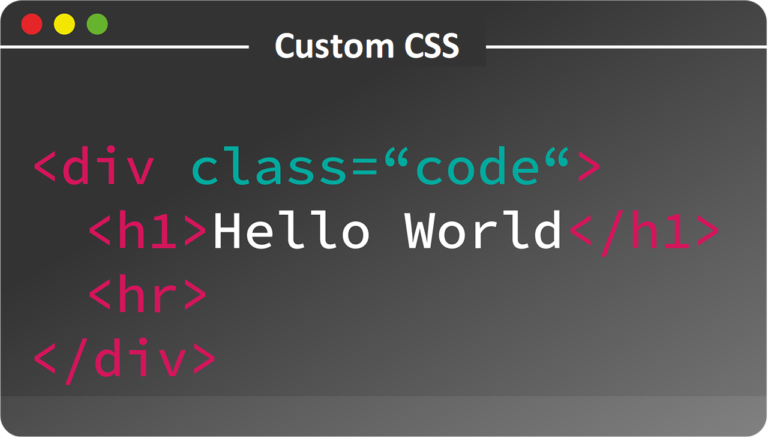
How to Add Custom CSS Code into Your WP Website
Adding custom CSS to a WordPress website is easier than you might think. This new guide shows how to add custom CSS via the theme customizer and by using a plugin. But which is the best approach?
Read article
How to Add a Cookies Popup in WordPress
Learn how to add a cookies popup in WordPress in less than two minutes. Plus, how cookies work, what data they gather, and why all websites need a cookie consent plugin
Read article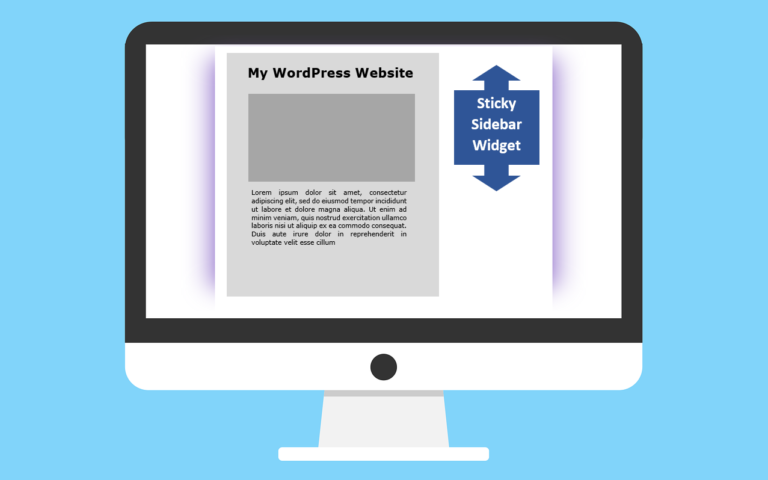
How to Create a Simple Sticky Floating Sidebar Widget in WordPress
This tutorial shows you how to create smooth, sticky floating sidebars in WordPress in under 3 minutes. Keep eyeballs on important content, ads, and promotions using floating sidebar widgets.
Read article
How to Display Code on Your WordPress Blog or Website
The fast and easy way to display any code in any language on your WordPress blog or website. Your options are the WP Guttenberg built-in code block or using this popular free plugin.
Read article
How to Create a Multilingual WordPress Site
Creating multilingual WordPress websites is child’s play, thanks to WP plugins. This guide walks you through the setting up and use of TranslatePress Free and highlights some worthy alternatives.
Read article
Changing WordPress Password, even if you are locked out!
It's possible to reset your WordPress user password, even if you are locked out and the reset link does not work.
Read article
How to Create Reusable Blocks in the WordPress Gutenberg Editor
Learn how to create reusable WordPress blocks in the Gutenberg Editor and all the benefits. This tutorial shows how to add, edit, manage, export, and import your reusable blocks.
Read article
How to Fix WordPress Not Sending My Emails Issue?
This no-nonsense tutorial shows how to fix WordPress when it fails to send your emails Issue. Most email failure is due to three resolvable causes, and I’ll walk you through each of them.
Read article
How to Create Your WordPress Image Gallery in Easy Steps
Learn how to create a WordPress image gallery using the Guttenberg gallery block. It’s an attractive, convenient way to showcase your photos, and it enhances the visitor experience.
Read article
Creating a Jump Link with Gutenberg
A jump link is a hyperlink that will jump to a location on a page on your site. It can be on the same page as the link, or another page. Jump links can be a great tool for creating a table of contents at the top of a long article giving your visitors the chance to "jump" directly to the bit of the article they are interested in. This tutorial shows you how to create these.
Read article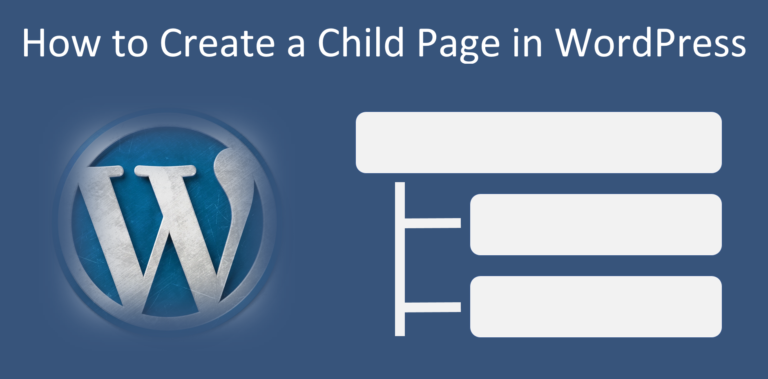
Learn How to Create Child Pages in WordPress
A 5-minute guide on how to create a WordPress child page and link it to any Parent Page in WordPress. The Parent/Child page structure benefits SEO and enhances user experience.
Read article

